


Full moon: dates, rise time and the 2026 supermoon
The next full moon is on 24 November 2026 at 3:54 pm in France. Find its rise time, learn why it appears at sunset, and see how the 24 December supermoon differs.
Stargazing app for iPhone
Point your iPhone up. Planet Finder shows what you are looking at and guides you to any planet, star or constellation.
The sky map and the AR finder work offline, so they keep going far from any signal.
What it does
Planets, stars, constellations and deep sky objects, all worked out live for the exact spot where you are standing.
Point your iPhone at the sky and see the name of everything above you.
Learn moreWhich planets are up tonight, when they rise and where to look.
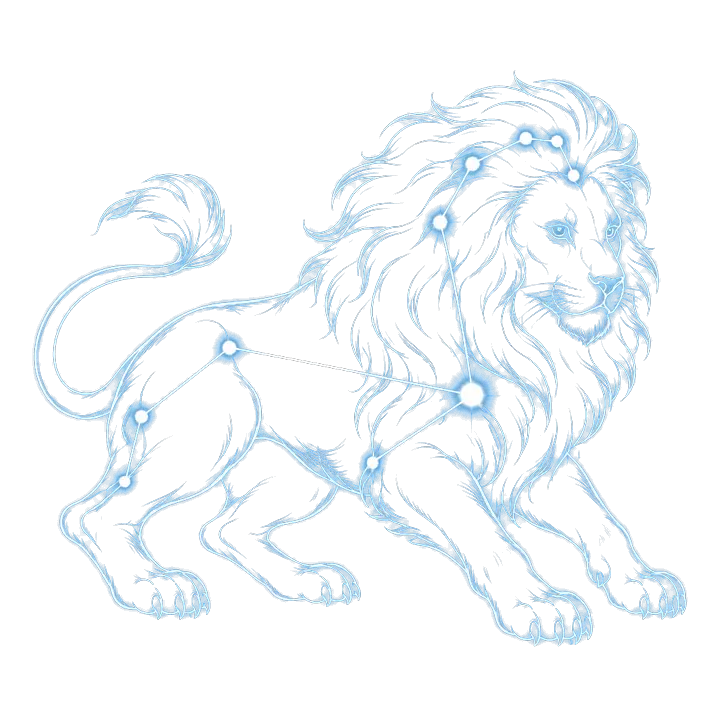
Learn moreAll 88 constellations, drawn over the real sky.
Learn moreA live star map and a finder for every named star.
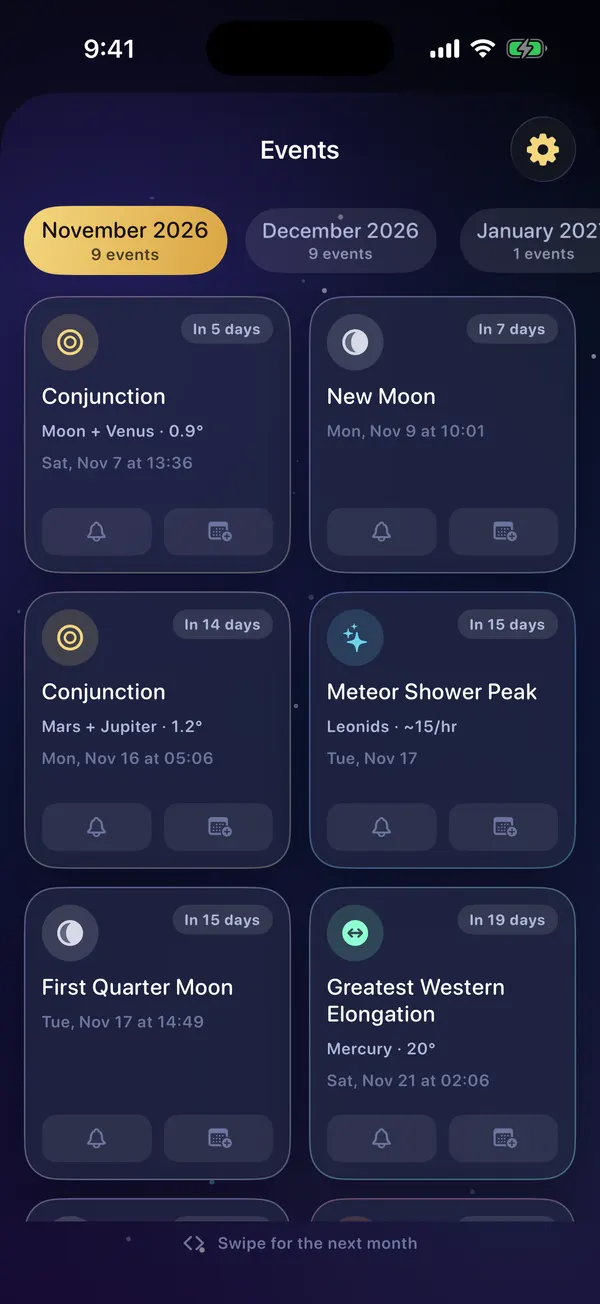
Learn moreMeteor showers, eclipses and conjunctions, with reminders.
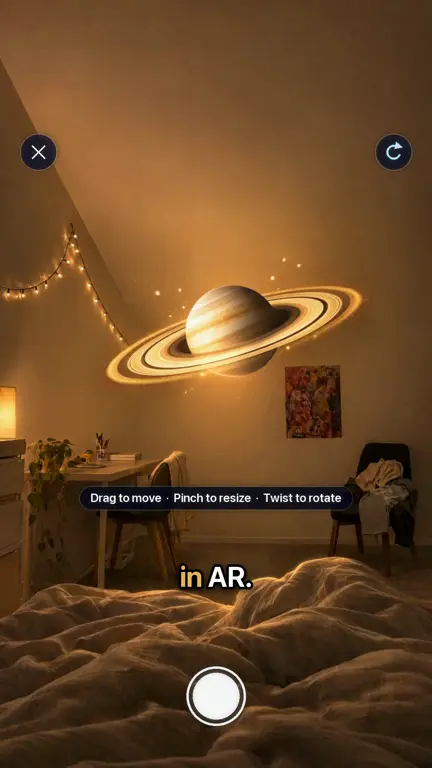
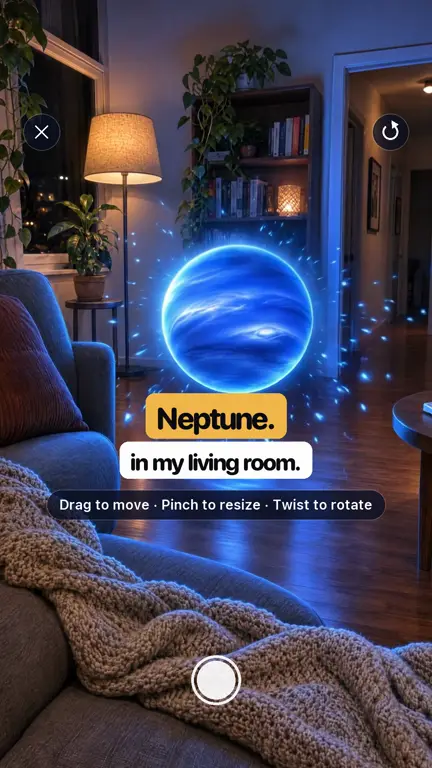
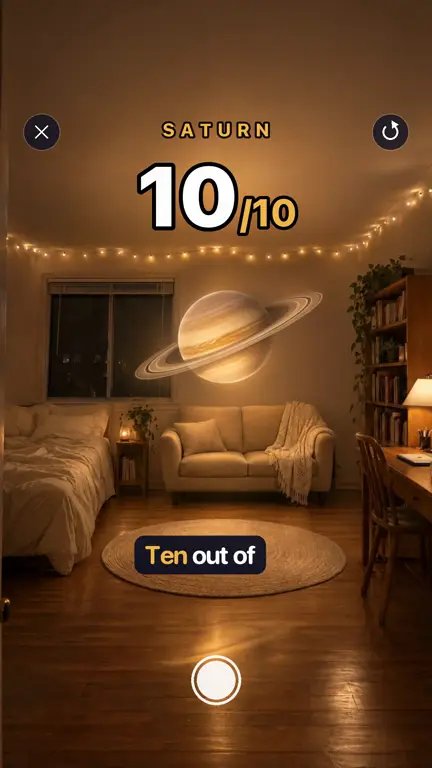
Learn morePlace Saturn, Jupiter or the Moon in your room.
Learn moreAn astronomer in your pocket that knows your sky.
Learn moreA new picture from space every day, explained simply.
Learn moreRed light that keeps your eyes adapted to the dark.
Learn moreAugmented reality
Open any planet in 3D, tap the floor and it is there in your room. Walk around it, pinch to resize it and take a photo to share.
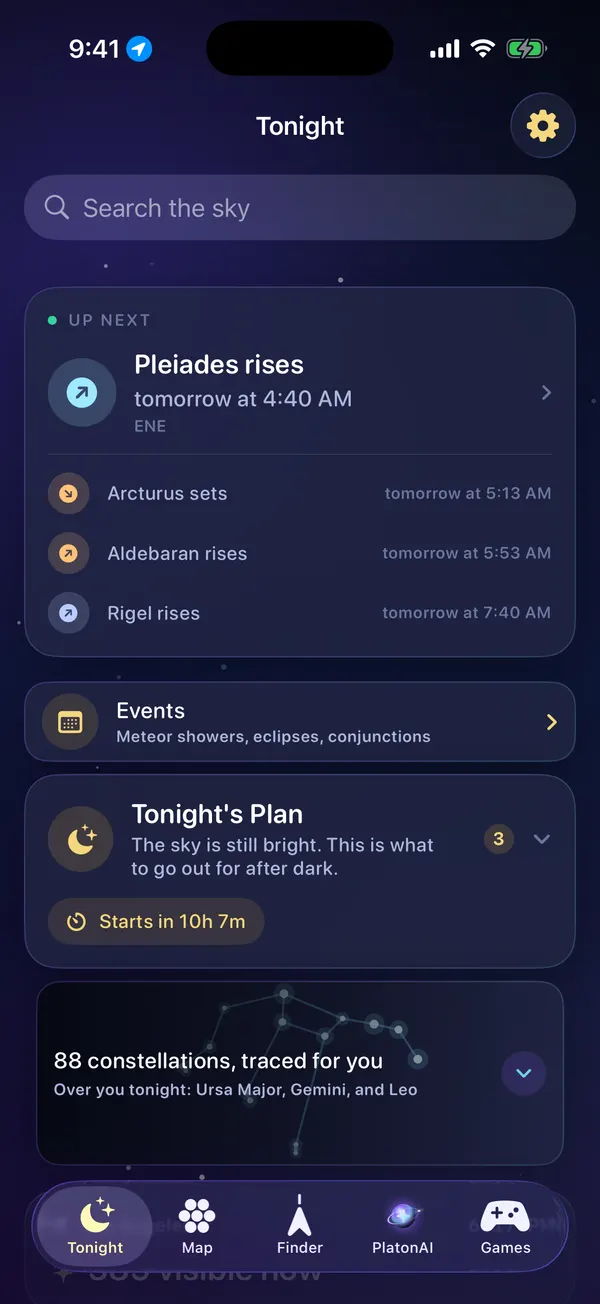
Tonight
Everything visible from where you are right now, with rise, transit and set times. Tonight's Plan tells you what to look for first and when to step outside.
PlatonAI
PlatonAI knows where you are, what time it is and what is above your horizon right now. Ask what that bright light is, what is worth seeing tonight or how to photograph the Moon with your phone.
ProPlatonAI is part of Pro and answers in the language you use the app in.
Meet PlatonAIWhat is that bright star in the west?
That is not a star, it is Venus, about 18° above your western horizon. It sets in roughly two hours, so look now while it is still clear of the rooftops.
Can I see Saturn tonight?
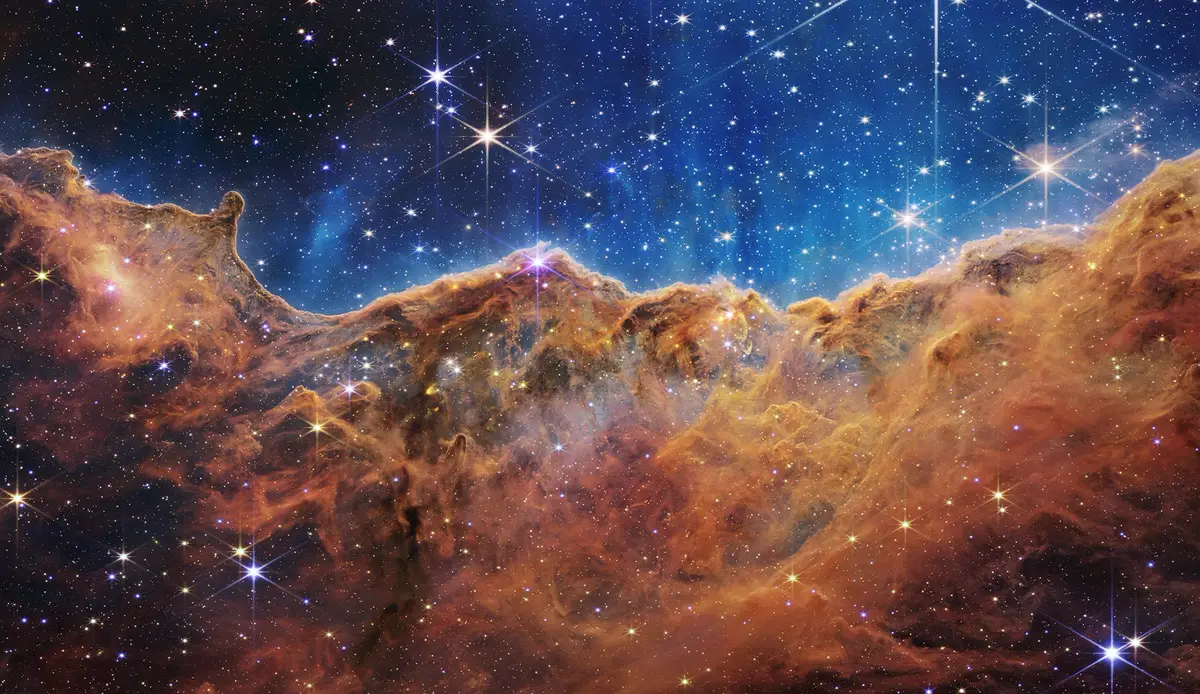
NASA · LIVE DATA
NASA's Astronomy Picture of the Day arrives inside the app each morning, next to the asteroids passing near Earth today. Not sure what you are looking at? Have PlatonAI explain it.
NASA picture of the dayHow it works
The sky looks different from every place on Earth. Your location makes the map match what you see.
The camera opens and every planet, star and constellation is drawn onto the real sky.
Tap anything to see what it is and when it rises and sets, or let the arrow guide you to it.
Trusted under every sky
From first-time skywatchers to seasoned observers, people open Planet Finder to learn what is shining above them.
Built for real nights outside
Open the app and look up. There is nothing to sign up for.
The astronomy runs on the device, so the map and the finder work with no internet at all.
It is used on your iPhone to work out the sky. It leaves the phone only when you ask PlatonAI a question.
On Instagram
Short clips of what Planet Finder does, new on Instagram every day.
Blog
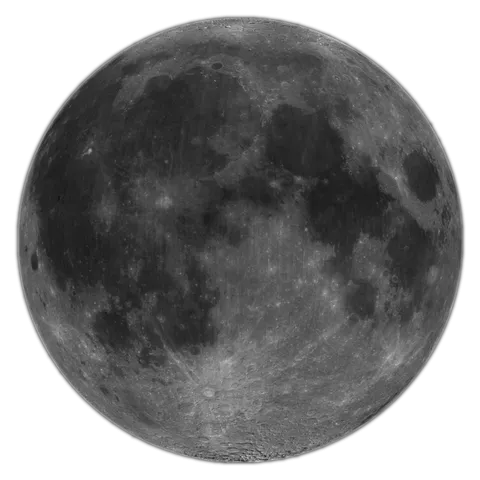
The next full moon is on 24 November 2026 at 3:54 pm in France. Find its rise time, learn why it appears at sunset, and see how the 24 December supermoon differs.
The 2026 Geminids peak on December 13 to 14 under dark skies. Watch from about 9 p.m. to 2 a.m., face Gemini near Castor, and expect bright, slower meteors.
FAQ
Yes, Planet Finder is free to download. Without Pro you get the sky map, tonight's list, the events calendar, NASA's photo of the day, two AR finds a day and a free sky game every day. Pro adds PlatonAI, the full catalogue, unlimited AR finds, the deep zoom, every game and red night mode.
Yes. The sky is computed on your iPhone, so the sky map, the AR finder and tonight's list work offline. PlatonAI and NASA's photo of the day need a connection.
Lift your iPhone and the camera opens with the names of planets, stars and constellations drawn over the real sky, using your location, the compass and the motion sensors. Choose a target and an arrow guides you until it is in the middle of the screen.
PlatonAI is an astronomy assistant inside the app. It knows your approximate location, your local time and what is above your horizon, so it can tell you what you are looking at or what is worth seeing tonight. PlatonAI is part of Pro.
Planet Finder works on any iPhone with iOS 18.6 or later.
Not yet. Planet Finder for Android is planned. You can leave your email on this page and we will write to you once when it is ready.
English, Spanish, German, French, Italian, Turkish, Japanese, Simplified Chinese and Arabic. PlatonAI answers in the language you use the app in.
Open Settings on your iPhone, tap your name, then Subscriptions, choose Planet Finder and tap Cancel Subscription. Pro stays on until the end of the period you have already paid for. Deleting the app does not cancel a subscription.
Your location is used on your iPhone to work out the sky above you. To show the name of your town, the app looks it up with Apple's location service, which receives your approximate position. Apart from that, it only leaves your phone when you ask PlatonAI a question: then your approximate coordinates and place name go with it, so the answer fits your sky.
Download Planet Finder for free and find out what is shining above you right now.
For iPhone with iOS 18.6 or later
Leave your email and we will write to you once, when Planet Finder for Android is ready.
We use your email for this one message only. See the Privacy Policy.
